Reviews
Highway Row Traffic Racing offers a clean, engaging driving experience with its upgraded 3D visuals and straightforward controls. The game is free to play and provides a good challenge as you navigate through traffic. It is perfect for quick sessions and helps improve reflexes. The variety of road trips keeps the gameplay fresh.
Description
Game Introduction
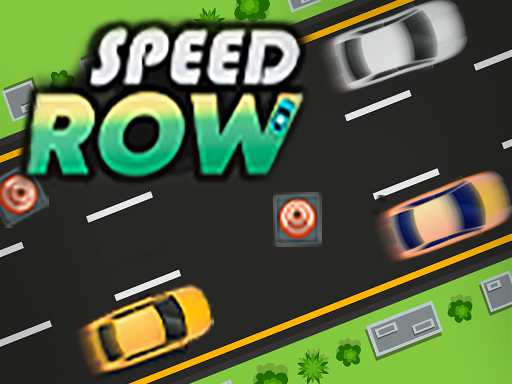
Highway Row Traffic Racing is a free online driving game that places you behind the wheel of a fast vehicle on a busy highway. The core objective is to navigate through traffic, accelerate your car, and experience the thrill of high-speed road racing. With upgraded 3D graphics and intuitive controls, the game is designed to be accessible for players of all ages, offering a safe and fun environment to test your driving skills. Each session brings new challenges as you encounter various road trips and vibrant cars, making it suitable for both casual players and racing enthusiasts.
How to Play
To play, you typically hold a steering control to drive your car on a straight road. Your goal is to build up speed while avoiding collisions with other vehicles. You can use a brake when necessary to maintain control. The gameplay involves steering carefully, gradually increasing your speed, and becoming a skilled highway racer. The controls are designed to be easy to learn, allowing anyone to jump in and start playing immediately. Practice and focus are key to improving your reflexes and timing as you race through traffic.
Game Features
The game includes several features that enhance the driving experience. It is free to play, with easy and intuitive controls that make it accessible to all players. The upgraded 3D graphics provide a visually engaging environment. Players can enjoy various road trips, each offering a different driving experience. The game also includes vibrant racing cars, adding variety to the gameplay. These features are designed to create a smooth and enjoyable experience, rewarding focus and timing.
Tips for Success
To succeed in Highway Row Traffic Racing, practice regularly to improve your reflexes and timing. Focus on maintaining control of your vehicle by steering carefully and using the brake when needed. Build up your speed gradually rather than accelerating too quickly, which can lead to crashes. Pay attention to traffic patterns and anticipate the movements of other cars. Staying calm and patient will help you navigate through busy highways more effectively. Over time, you will develop the skills needed to become a proficient racer.











Comments
Sign in to leave a note
You must be logged in before posting a review or rating.
No account? Create one
No comments yet. Be the first to comment!